




September 18, 2025

September 10, 2025
July 3, 2025
January 10, 2025
How to Download PAN Card Easily: Step-by-Step Process

Author
Shoonya Team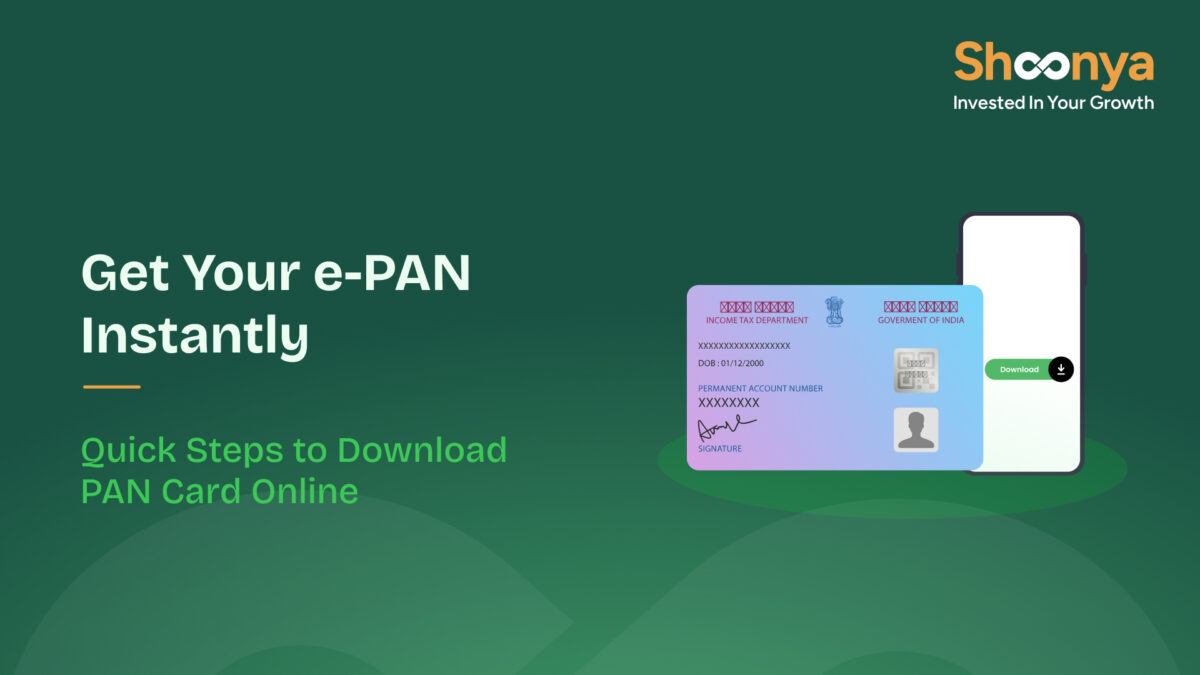
Need a PAN card for a bank update or KYC, but can’t find the physical card? Or simply need a digital version? No need to worry. You can download your e-PAN within minutes from NSDL, UTIITSL, or the Income Tax portal.
This guide explains how to download a PAN card so you can access it anytime, anywhere.
How to Download PAN Card from NSDL (Protean)
You can download your e-PAN directly from the NSDL (Protean) portal if you applied for a new PAN or made a correction through NSDL.
Note: If your email ID is linked to your PAN, you will receive your PAN card on Gmail. If not, you will have to submit a PAN card e-mail change request and update your mail ID to get the digital copy.
Step 1: Visit the NSDL e-PAN Download page.
Step 2: Enter your PAN, Aadhaar, and date of birth.
Step 3: Select language and give consent.
Step 4: Validate reCAPTCHA.
Step 5: Download the e-PAN PDF, which is digitally signed and valid everywhere.
How to Download PAN Card from UTIITSL
If your PAN was applied for or updated through UTIITSL, you can download the e-PAN directly from their UTIITSL portal.
Step 1: Go to the UTIITSL e-PAN Download page.
Step 2: Enter your PAN and date of birth.
Step 3: Enter the GSTIN Number (if applicable)
Step 4: Enter the text shown in the above Captcha
Step 5: Pay the applicable download fee, if prompted.
Step 6: Download your e-PAN PDF instantly.
How to Download PAN Card Using Aadhaar
Step 1: Visit the Income Tax e-Filing Portal.
Step 2: Go to Quick Links → Instant e-PAN.
Step 3: Select “Check Status / Download PAN.”
Step 4: Authenticate using the OTP sent to your Aadhaar-linked mobile number.
Step 5: If your PAN already exists and Aadhaar is linked, you can download the e-PAN PDF instantly.
How to Download PAN Card PDF Without Acknowledgement Number
If you don’t have your acknowledgement number or have misplaced the application receipt, you can still download your PAN card PDF using alternative details, such as your Aadhaar number or a PAN + DOB combination.
Method 1: Download PAN Card Using Aadhaar (No Acknowledgement Needed)
This is the best option if your PAN is already linked to Aadhaar.
Steps:
- Go to the Income Tax e-Filing Portal.
- Select Instant e-PAN → Download PAN.
- Enter your Aadhaar number.
- Verify with OTP.
- Download your e-PAN PDF instantly.
Method 2: Download Using PAN + DOB
This works on both NSDL and UTIITSL portals.
Steps:
- Visit the NSDL e-PAN download or UTIITSL e-PAN download page.
- Enter your PAN and date of birth.
- Verify with OTP on your registered mobile or email.
- Download the PDF once verification is complete.
Method 3: Retrieve Acknowledgement Number (If Needed)
If you want your acknowledgement number back, you can follow this method
Steps:
- Visit NSDL’s “Know Your Acknowledgement Number” page.
- Enter your name, DOB, and mobile number.
- Retrieve the acknowledgement in seconds.
- Use it to download your e-PAN.
How to Download e-PAN After New PAN or Correction Approval
If you’ve recently applied for a new PAN or submitted a correction request, you can download the updated e-PAN as soon as your application is approved. Both NSDL and UTIITSL offer instant download options once the PAN is generated.
Download Using “Reprint PAN Card” Option
In some cases, you may need to use the PAN Reprint service (NSDL or UTI) if:
- Your previous e-PAN has expired
- You need a fresh copy after the correction
- The system shows “No e-PAN Available”
Steps:
- Visit NSDL/UTI → Reprint PAN.
- Enter PAN + DOB.
- Verify with OTP.
- Download or request a fresh e-PAN
How to Download PAN Card Using Mobile Number
You can download your PAN or e-PAN using your registered mobile number through OTP-based verification. This method is helpful when you don’t remember your acknowledgement number or don’t have your Aadhaar handy.
A. Download PAN Using OTP on NSDL
Steps:
- Visit the NSDL e-PAN Download page.
- Enter your PAN and date of birth.
- Select “Generate OTP” on your registered mobile number or email.
- Enter the OTP to complete verification.
- Download your e-PAN PDF immediately.
B. Download PAN Using OTP on UTIITSL
Steps:
- Go to the UTIITSL e-PAN Download page.
- Enter PAN and DOB.
- Choose OTP on mobile as your verification method.
- Enter the OTP received.
- Download your digitally signed e-PAN.
C. Retrieve Acknowledgement Number via Mobile
If you need your acknowledgement number for download:
- Visit NSDL’s “Retrieve Acknowledgement Number” service.
- Enter name, DOB, and mobile number.
- Get your acknowledgement instantly by SMS.
- Use it to download your PAN.
PAN Card Download: Common Issues and Quick Fixes
Sometimes the PAN download process may not go smoothly due to verification or system-related errors. Here are the most common problems users face and how to fix them quickly.
Issue 1: “e-PAN Not Available for Download”
- Your PAN was issued long ago and does not have an e-PAN version
- Your correction/update request is still being processed
Fix:
- Try downloading through UTIITSL, even if you applied via NSDL
- If still unavailable, use the Reprint PAN service to generate a fresh e-PAN
Issue 2: OTP Not Received on Mobile
- Your mobile number isn’t linked to Aadhaar
- Your PAN profile has an old or inactive number
Fix:
- Try OTP via email (if available)
- Update your mobile number in PAN using the correction form
- Check if your mobile is linked with Aadhaar
Issue 3: “Invalid Details” or “Data Mismatch”
- Date of birth or name entered doesn’t match PAN records
- Typo or incorrect entry
Fix:
- Re-check details from your original PAN card
- If incorrect on the card, file a PAN correction first
- Ensure DOB is in DD/MM/YYYY format
Issue 4: Acknowledgement Number Lost
Use NSDL’s “Know Acknowledgement Number” tool and retrieve it using:
- Name
- Mobile number
- Date of birth
Issue 5: Aadhaar Not Linked With PAN
- Link Aadhaar with PAN through the Income Tax portal
- Once linked, use the Aadhaar-based download method
Issue 6: Payment Status Pending
- Bank delay
- Payment gateway timeout
Fix:
- Wait 30–60 minutes and retry
- Avoid duplicate payments; the system auto-updates
Conlusion
If your PAN is newly issued or recently updated, don’t forget to track its status and download the latest version once approved. A few quick steps ensure you always have your PAN ready whenever you need it.
Applied for a new/correction PAN Card? Check your PAN Card Status instantly here.
FAQs: How to Download PAN Card
Yes, you can download your e-PAN through NSDL, UTIITSL, or the Income Tax portal using Aadhaar-based verification.
Yes, the e-PAN is a digitally signed government document and is accepted for all KYC, banking, tax filing, and financial processes.
Go to the Income Tax e-Filing portal → Instant e-PAN → Check Status/Download PAN, enter your Aadhaar number, verify with OTP, and download the e-PAN.
In most cases, e-PAN is free for newly issued PAN cards. For reprints or older PAN versions, a small fee may apply on NSDL or UTIITSL.
You can download your e-PAN multiple times as long as your details match and the system shows it as available.
Yes, all portals are mobile-friendly, and you can download the PDF version directly to your phone.
Disclaimer: Investments in the securities market are subject to market risks; read all the related documents carefully before investing.


Explore Our Offerings

Stocks
Trade equities across NSE and BSE with zero delivery charges. Invest, hold or sell with a seamless experience.


Future & Options
Execute complex strategies with simple tools and real-time data.

IPOs
Apply to the latest IPOs in just a few taps. Stay updated and capture opportunities as they open.